Operating the Wine Cellar
Operating Your JennAir Wine Cellar
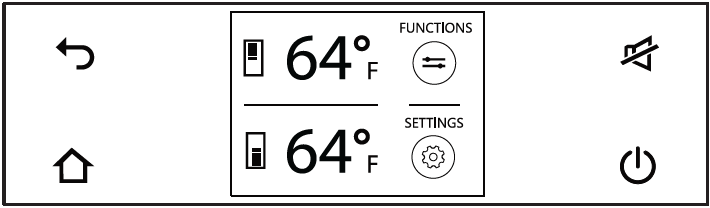
User Interface
 |
BACK Touch the BACK icon to go back to the previous screen. |
 |
HOME Touch the HOME icon to go back to the home screen.
|
 |
ALARM Touch the ALARM icon to view the alarm tone functions and to deactivate them. |
 |
ON/OFF Touch the icon to turn the unit ON or OFF |
Turning ON
-
Touch the ON/OFF button.

-
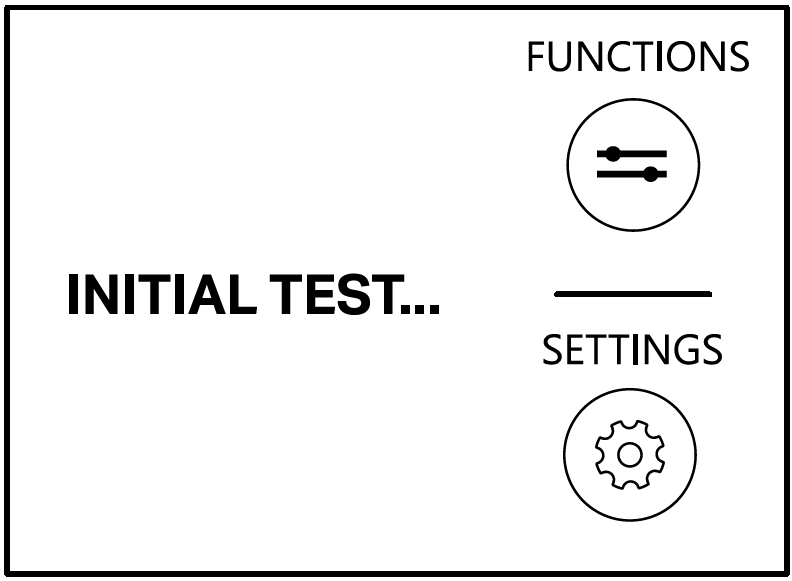
During the start-up, wait for 3 minutes. The initial tests will run during this time.

-
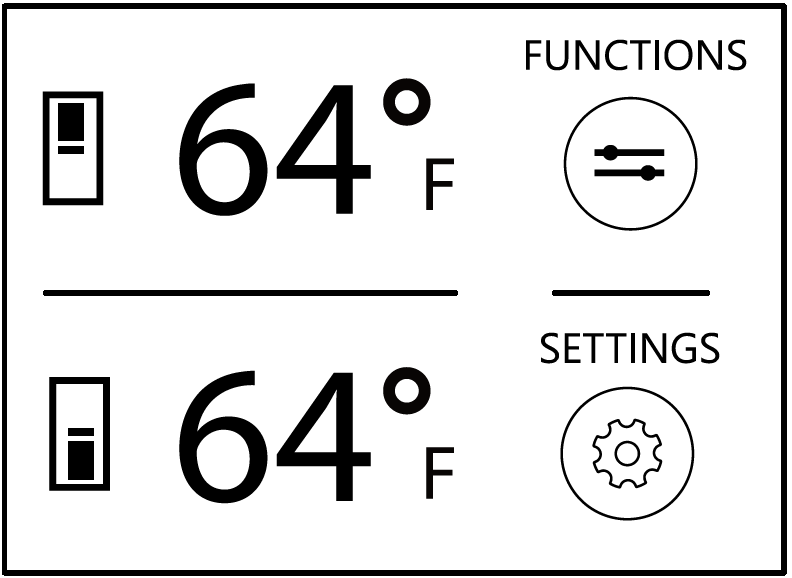
After the startup, the display will show the main screen with the ambient temperature measured from inside the compartments. The unit will automatically start to cool down until it reaches the preset temperature.

-
When the appliance is first switched on, it is recommended to wait at least 12 hours before placing any wines inside the unit. During this time, remove any error messages by touching the ALARM button.
Turning OFF
-
Touch the ON/OFF button.
-
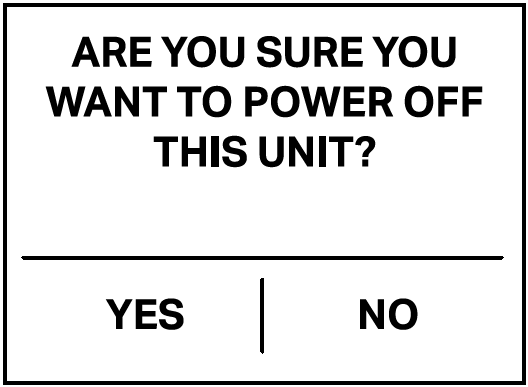
Touch YES to confirm the action.

-
Touch YES to confirm again.
Still need help? Contact us or schedule service.
Please contact us or click below to make an appointment from our preferred list of service providers for service on your appliances.
United States
Canada
Interested in purchasing an Extended Service Plan?
Please click below to learn more on how you can save up to 25% on New Appliance Extended Service Plans within 30 days of your appliance purchase.
United States
Canada
Still need help? Contact us or schedule service.
Please contact us or click below to make an appointment from our preferred list of service providers for service on your appliances.
United States
Canada
Interested in purchasing an Extended Service Plan?
Please click below to learn more on how you can save up to 25% on New Appliance Extended Service Plans within 30 days of your appliance purchase.
United States
Canada